Home › Motorcycle Route Planner
RideWolf · Routes
Google Maps thinks the best route is the fastest one. Riders know better. Plan the road that’s worth riding, track every mile with GPS, and turn the good ones into group rides.
You’re on the list — we’ll be in touch. Now go ride.
Free to join. Early access is open now.
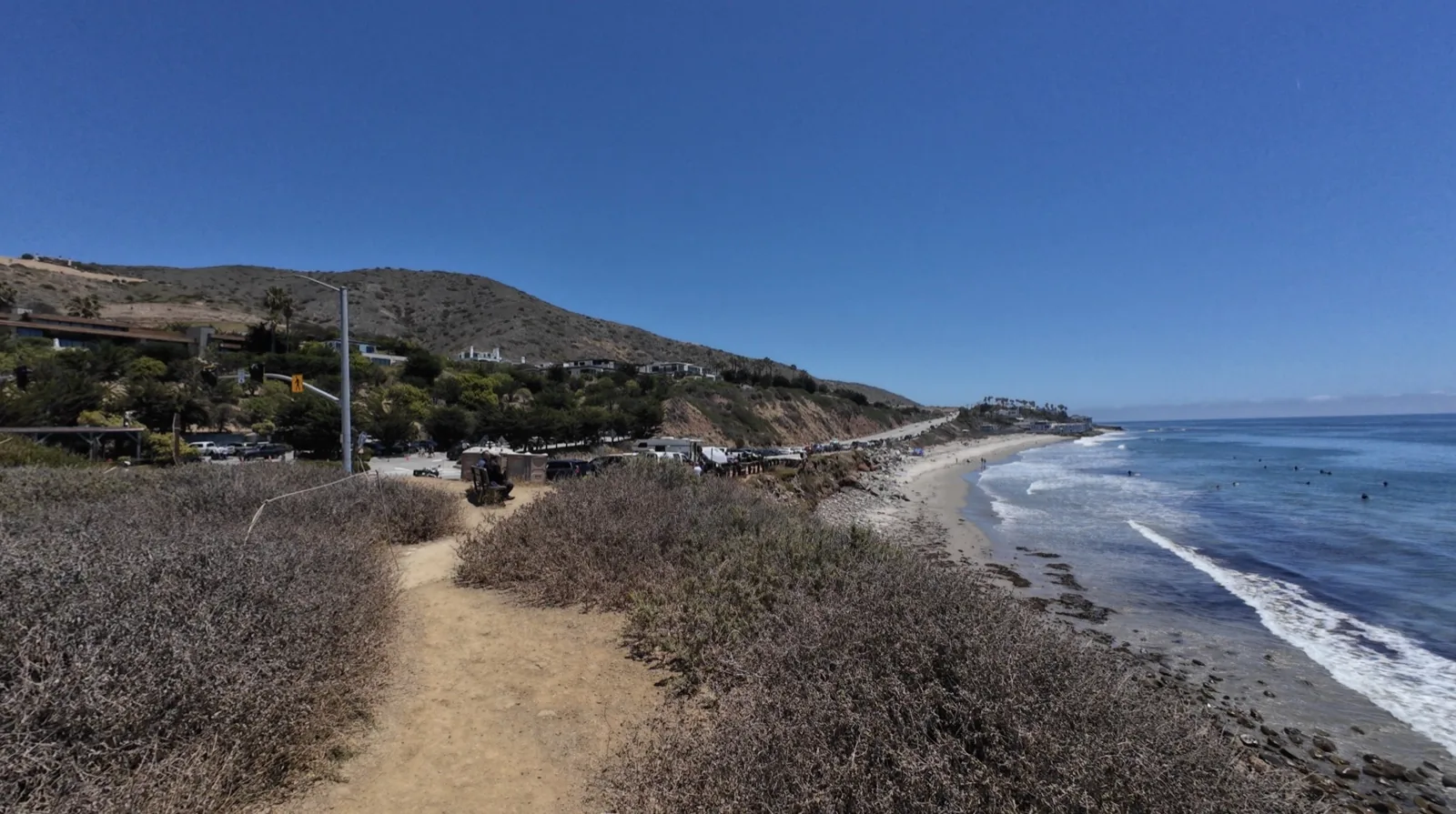
Car navigation has one job: get you there fast. That’s the exact opposite of what we want. The whole point of a motorcycle trip is the part between here and there — the canyon that adds forty minutes, the lunch stop that turns into two hours, the road you take because it’s not the direct one.
So most of us end up planning rides with tools built for commuters, then fighting them the whole way as they try to reroute us onto the interstate. Or we don’t plan at all and ride the same three roads every weekend. I did that for longer than I’ll admit. When somebody drops a new route in the chat, you light up — that feeling is the reason this feature exists.
RideWolf gives you three ways to create a route: search or tap the map to drop your stops and RideWolf routes the real roads between them, import a GPX file from another app or GPS unit, or take a ride you tracked and publish its actual GPS path as a route. Add a title, difficulty, road type, and a cover photo, and it’s live.
| Method | How it works | Best for |
|---|---|---|
| Waypoint planner | Add your stops — the app routes the actual roads between them | Planning a ride you haven’t done yet |
| GPX import | Bring a file in from Garmin, another app, or a buddy | Routes you’ve already collected over the years |
| From a tracked ride | Publish the actual GPS path of a ride you recorded | That road you found by accident and never want to lose |
That third one is my favorite, because it’s honest. The route isn’t what you meant to ride — it’s what you rode. The shape, the distance, the twistiness all come from the real ride.
Every route in RideWolf carries the numbers that actually matter to a rider. Mileage is the easy one. What kind of mileage is the useful one. And the one I want to point at is twistiness: RideWolf calculates it automatically from the route’s actual geometry. Nobody gets to claim their favorite backroad is a canyon carver when it’s a straight line with two bends.
| On the card | What it tells you |
|---|---|
| Distance & est. ride time | How big a day you’re signing up for |
| Difficulty | Beginner to Expert — set by the rider who built it |
| Road type | Scenic, Twisty, Highway, Mixed, or Off-Road |
| Twistiness | Mostly Straight to Very Twisty — calculated from the route’s real road geometry, not self-reported |
| Reviews | 1–5 stars from riders who’ve actually ridden it, one review per rider |
| Road conditions | Clear, Gravel, Construction, Rough surface, or Closed — reported after real rides |
The conditions column matters more than people think. A five-star canyon road with fresh gravel in the hairpins is a different ride entirely, and the only people who know are the ones who were just there.
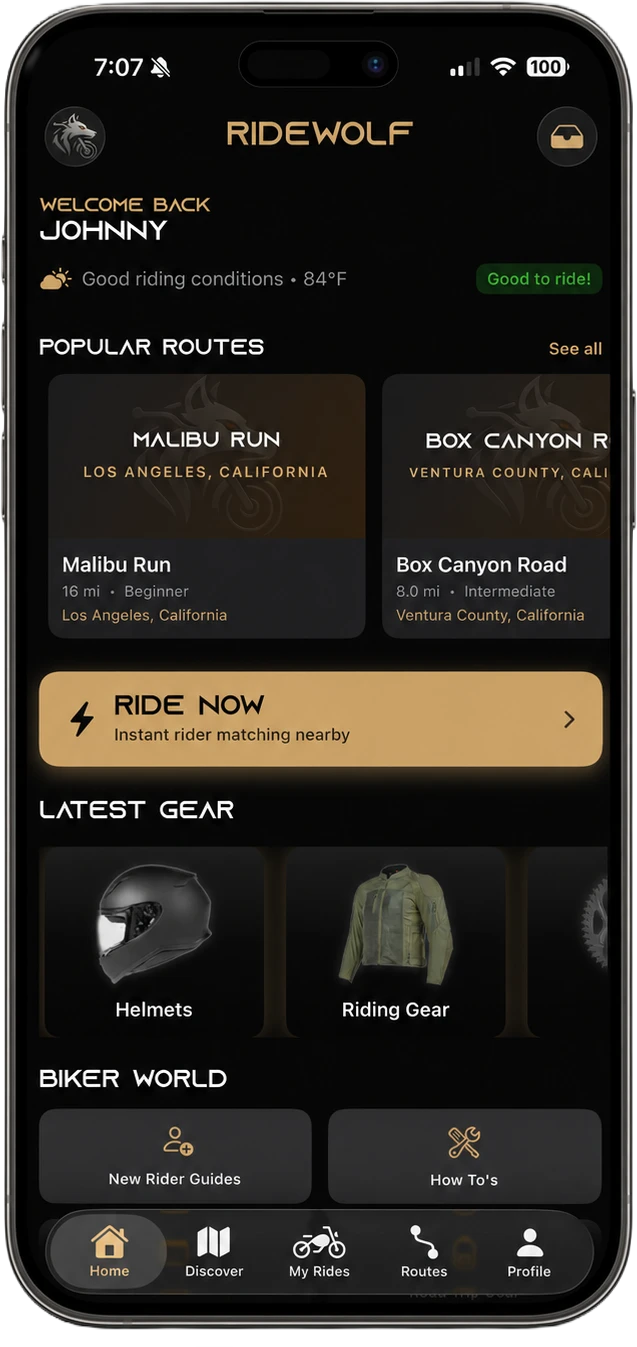
Browse the Routes tab, then filter by region, difficulty, road type, and bike type — and sort by rating, distance, newest, or twistiness if you’re hunting curves. The library is rider-built, so it grows the way good route knowledge has always spread: one rider hands it to the next.
The library launches stocked with a hand-built collection of Southern California’s best roads. Home country: the Snake above Calabasas, Angeles Crest out of La Cañada Flintridge, PCH through Malibu. Every rider can add to it. The planner itself works anywhere there’s a road.
Start tracking from a route, or hit Record a Ride and track a free ride with no route at all. RideWolf records your path, distance, and elevation as you go — and it’s built for how rides actually happen: progress is checkpointed, so a dead phone doesn’t erase your day, and stretches with no signal sync when you reconnect.
When you finish, you get a summary: distance, elevation gain, your line on the map. Saving it is your call. Dismiss it and nothing is stored. Your ride history and GPS logs are private to you, enforced server-side. Other riders never see where you’ve been. The only way a path becomes public is if you choose to publish it as a route — and even then, only the road is shared, never your history.
Here’s where the two halves of RideWolf meet. On any route, tap Create Group Ride and the ride form pre-fills from the route — you just set the date, time, and group details. Rode it solo instead? Tap I Rode This and it logs to your history. Solo miles and group miles both count.
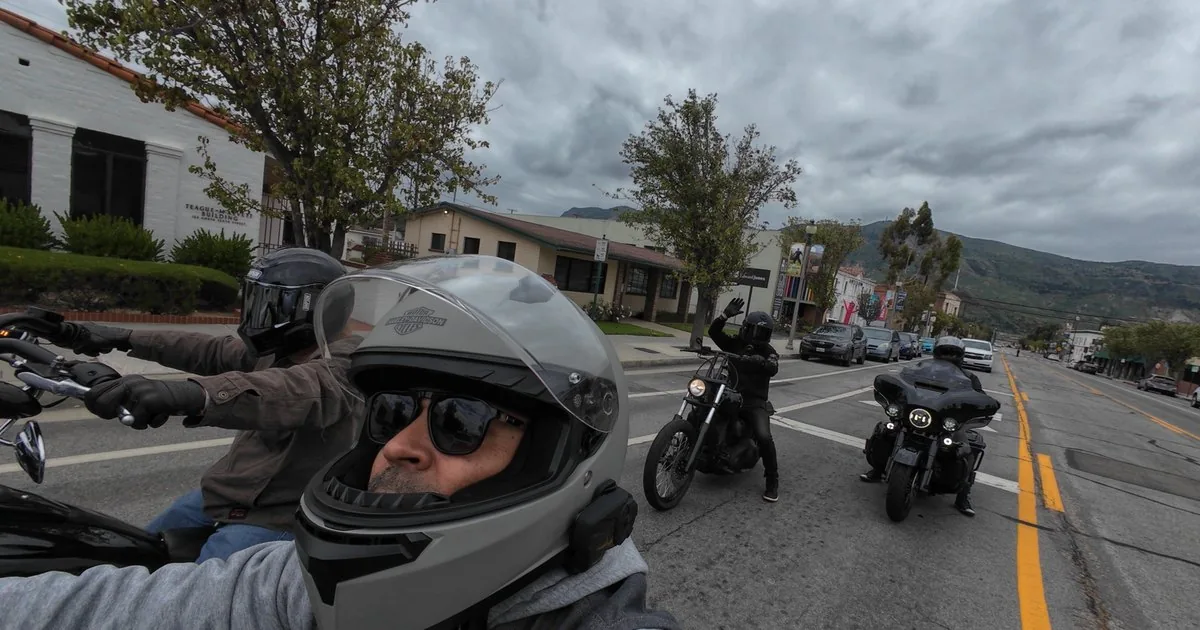
And if you want to see what riding with a crew actually looks like out here, the motorcycle rides hub is where the group side lives — real roads, city by city.
Every route exports as a GPX file for Garmin, Rever, Scenic, Calimoto, and anything else that reads GPX. Share any route with a link that opens straight to it in the app. And on a group ride, one tap opens the route in Apple Maps with turn-by-turn. Your routes are yours — we’re not interested in trapping them.
Planner or no planner, a good route is judgment. Here’s the checklist I actually use, learned the hard way — most of it on a Lake Arrowhead run where I planned the ride out and completely forgot to plan the ride home: 85 miles back with the sun in my eyes and my arms cooked.
| Rule | Why |
|---|---|
| Plan fuel at 75% of your range | Canyon miles burn more than freeway miles, and backroad stations close early |
| Stop every hour | Fatigue sneaks up on a bike — you don’t notice until a corner tells you |
| Put the technical stuff in the middle | Warm up before the hard section, and never end a long day in it |
| Check the ride home, not just the ride out | Sun angle, temperature drop, traffic — the return leg is where days go wrong |
| Know your bail-out roads | Weather, energy, a buddy’s bike acting up — a good route has exits |
| Tell someone where you’re going | Cheap insurance — RideWolf has alert contacts and ride check-ins built in for exactly this |
Get on the early-access list — free, no spam, no pitch.
Waypoints, a GPX you’ve been hoarding, or a ride you track.
Solo at your own pace, or turn it into a group ride with one tap.
I waited 30 years to start riding because I didn’t know a single person on two wheels — and when I finally did start, at 49, I found out the bike was the easy part. RideWolf exists so the next rider doesn’t wait. Whether you ride with a pack or prefer the road to yourself, put that first foot forward.
— Johnny, founder of RideWolf
There are several good ones. Rever, Calimoto, and Scenic all have loyal riders. RideWolf’s planner adds rider-built routes with twistiness calculated from real geometry, GPS ride tracking that stays private by default, GPX import and export, and one-tap group rides — free, currently in early access.
Start with the road you want, not the destination — then work outward: fuel at 75% of your range, a stop every hour, technical sections in the middle of the day, and a planned ride home. In RideWolf you drop waypoints on the map, set difficulty and road type, and save.
Yes, both directions. Import a GPX from Garmin, another app, or a riding buddy and it becomes a RideWolf route. Export any route as a GPX for Garmin, Rever, Scenic, Calimoto, or anything else that reads the format. Your routes stay portable.
Only when you tell it to, and only for you. Start tracking from a route or record a free ride; your path, distance, and elevation are logged privately — enforced server-side, invisible to other riders. A path only becomes public if you publish it yourself as a route.
Twistiness is RideWolf’s measure of how curvy a route really is — rated from Mostly Straight to Very Twisty, calculated automatically from the route’s actual road geometry, not self-reported by whoever created it. Sort the route library by twistiness when you’re hunting corners instead of scenery.
Yes. RideWolf is free to use, and the route planner, GPS tracking, and group rides are all part of it. The app is in early access now — drop your email above and you’ll get the invite when it opens up.